
Make every model discoverable
Publish indexable model pages with descriptive URLs, metadata, image galleries, specifications, floor plans, starting-price context, structured data, and internal links.
Branded online home catalogs
Launch a branded modular, manufactured, or ADU home showroom with rich model pages, filters, saved homes, preferences, inquiry forms, and analytics.
Request a walkthrough by emailExplore without creating an account. Choose your product and seats before checkout.
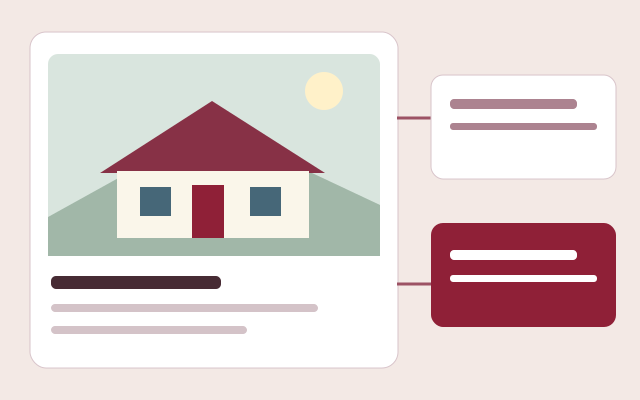
A home catalog should help a buyer narrow choices and help the dealer understand what comes next. Barton Digital combines responsive model galleries, useful filters, detailed public home pages, customer accounts, saved models, preferences, inquiry forms, pricing dates, and company analytics under each dealer's brand.
See the workflow before you sign up
No account, sales call or app download needed. This is an interactive workflow illustration, not a connected company workspace.
Step 1 of 3
Present home types, floor plans, specifications and the pricing packages that apply to each model.
Sample information only. Actions stay in this page and cannot change records, send messages or create charges.
Try the example action to see what happens next.
Publish indexable model pages with descriptive URLs, metadata, image galleries, specifications, floor plans, starting-price context, structured data, and internal links.
Let visitors filter by construction category, bedrooms, bathrooms, price, style, and other model details on phones, tablets, and desktop browsers.
Connect saved homes, preferences, the selected model, message, and customer account to the inquiry that reaches the company CRM.
Capability 1
Capability 2
Capability 3
Connections with clear expectations
QuickBooks workflows require company authorization and supported record types. Stripe handles subscription checkout. Separate provider accounts and charges may apply; these names do not imply endorsement.
See a published showroom
Browse a working public showroom to see model discovery, galleries and buyer inquiry paths. This is a public customer experience, not access to a company's private workspace or an ROI claim.
Use your own assumptions. Our free calculators do not require an email and do not promise a particular result.
Frequently asked questions
Yes. A company can link directly to its Barton Digital showroom and individual model pages. Website integration assistance can also be provided as a separate service.
Yes. The showroom supports home-category, bedroom, bathroom, price, style, and other model filters based on the information the company publishes.
Yes. Models support a gallery of home photos, multiple floor-plan images, uploaded documents, and links to company-managed document folders.
Yes. Each subscriber receives a separate showroom and portal identity with its company name, logo, colors, theme preference, catalog, users, and customer accounts.