
Routes and customer rates stay together
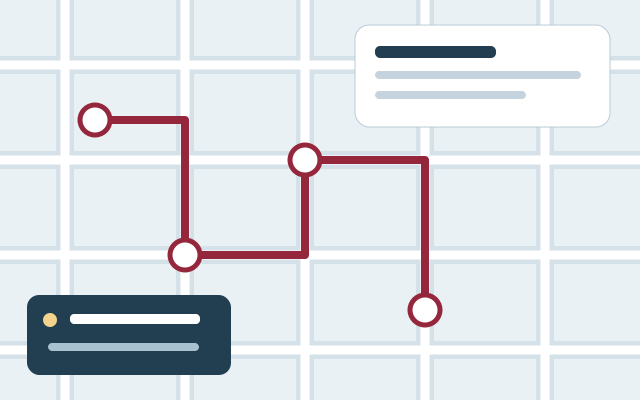
Keep each customer, property, route position, plowing rate, and plowing-with-sanding rate available to authorized office staff. Field employees see service work, not customer pricing.
Standalone software for snow contractors
Manage snow plowing and sanding routes, customer-specific rates, employee service logs, staff access, service history, and invoicing in one workspace.
Request a walkthrough by emailExplore without creating an account. Choose your product and seats before checkout.
Snow work moves quickly, often after hours and across many customer properties. Barton Digital gives snow removal companies a standalone workspace for customer records, route-based operations, plowing and sanding rates, employee service entries, billing status, and invoice preparation. The complete Snow Plowing subscription does not require a Home Gallery plan and can grow with additional staff seats.
See the workflow before you sign up
No account, sales call or app download needed. This is an interactive workflow illustration, not a connected company workspace.
Step 1 of 3
Keep properties, service instructions and route order together before the storm.
Sample information only. Actions stay in this page and cannot change records, send messages or create charges.
Try the example action to see what happens next.
Keep each customer, property, route position, plowing rate, and plowing-with-sanding rate available to authorized office staff. Field employees see service work, not customer pricing.
Employees can record plowing, sanding-only, or combined plow-and-sand work with the service date and notes so completed work is visible before billing.
Review unbilled and invoiced service history, connect the appropriate QuickBooks customer, and generate an invoice from an eligible service record.
Capability 1
Capability 2
Capability 3
Connections with clear expectations
QuickBooks workflows require company authorization and supported record types. Stripe handles subscription checkout. Separate provider accounts and charges may apply; these names do not imply endorsement.
Use your own assumptions. Our free calculators do not require an email and do not promise a particular result.
Frequently asked questions
Yes. Snow Plowing can be purchased as a standalone Barton Digital subscription without a digital home showroom plan.
Yes. Barton Digital uses one complete Snow Plowing plan that includes both plowing and sanding operations.
Yes. The company selects its required staff-seat count during initial enrollment, and additional seats are included in Stripe Checkout at the configured per-seat price.
Yes. Authorized users can maintain customer-specific plowing and plowing-with-sanding rates.
Yes. Authorized employees can record plowing, sanding-only, or combined plow-and-sand service with a service date and notes from the company workspace.
The workspace supports QuickBooks customer identifiers and invoice generation for eligible snow service records when the company's QuickBooks connection is configured.